Docker
 Charge your Powerwall overnight,
automatically.
Charge your Tesla Powerwall from the grid overnight, automatically. Local-first web UI.

Electricity is cheaper at night. PowerNight automates overnight Powerwall charging so you store energy at off-peak rates and use it when prices rise, without manual reserve changes or ad-hoc scripts.
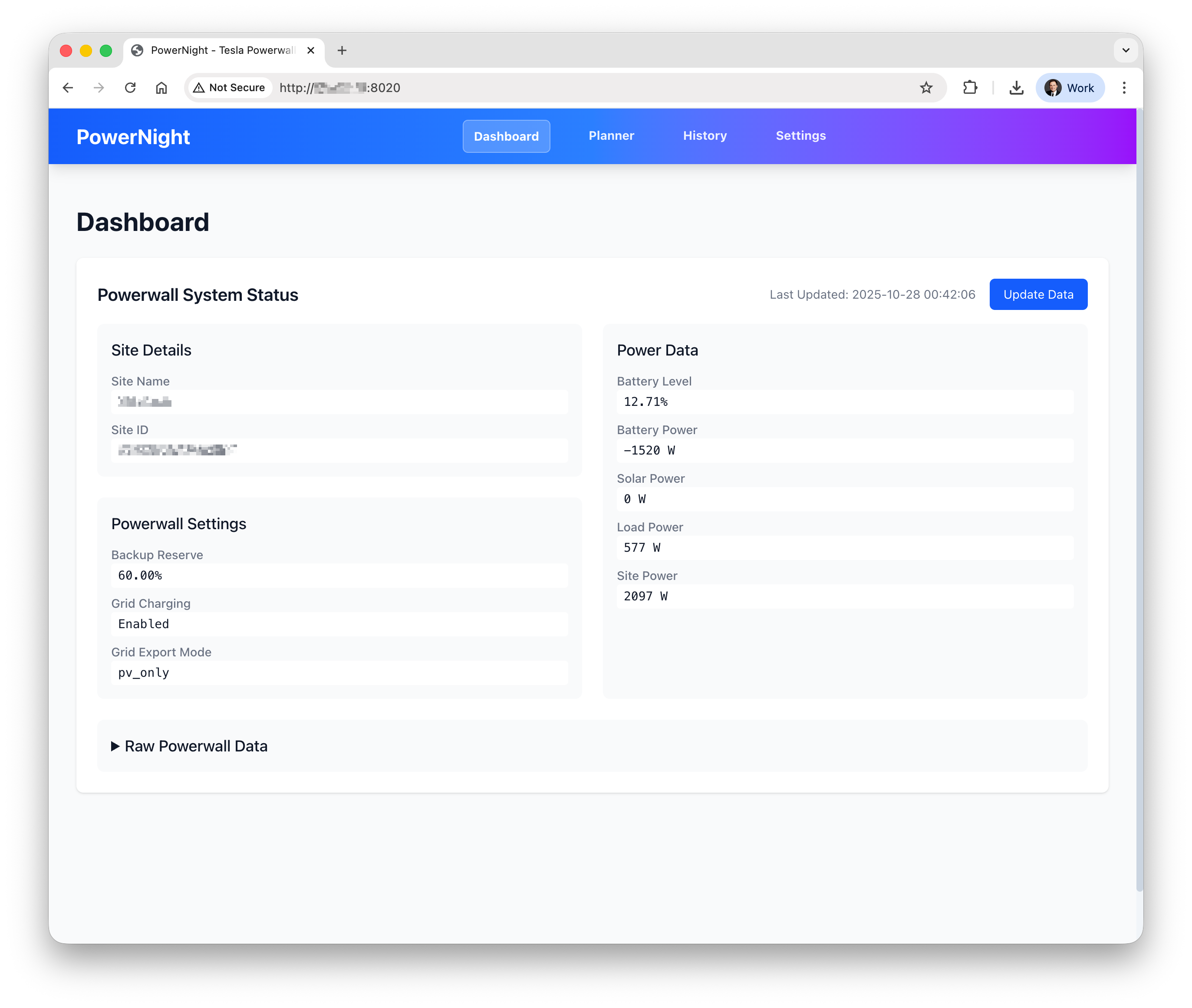
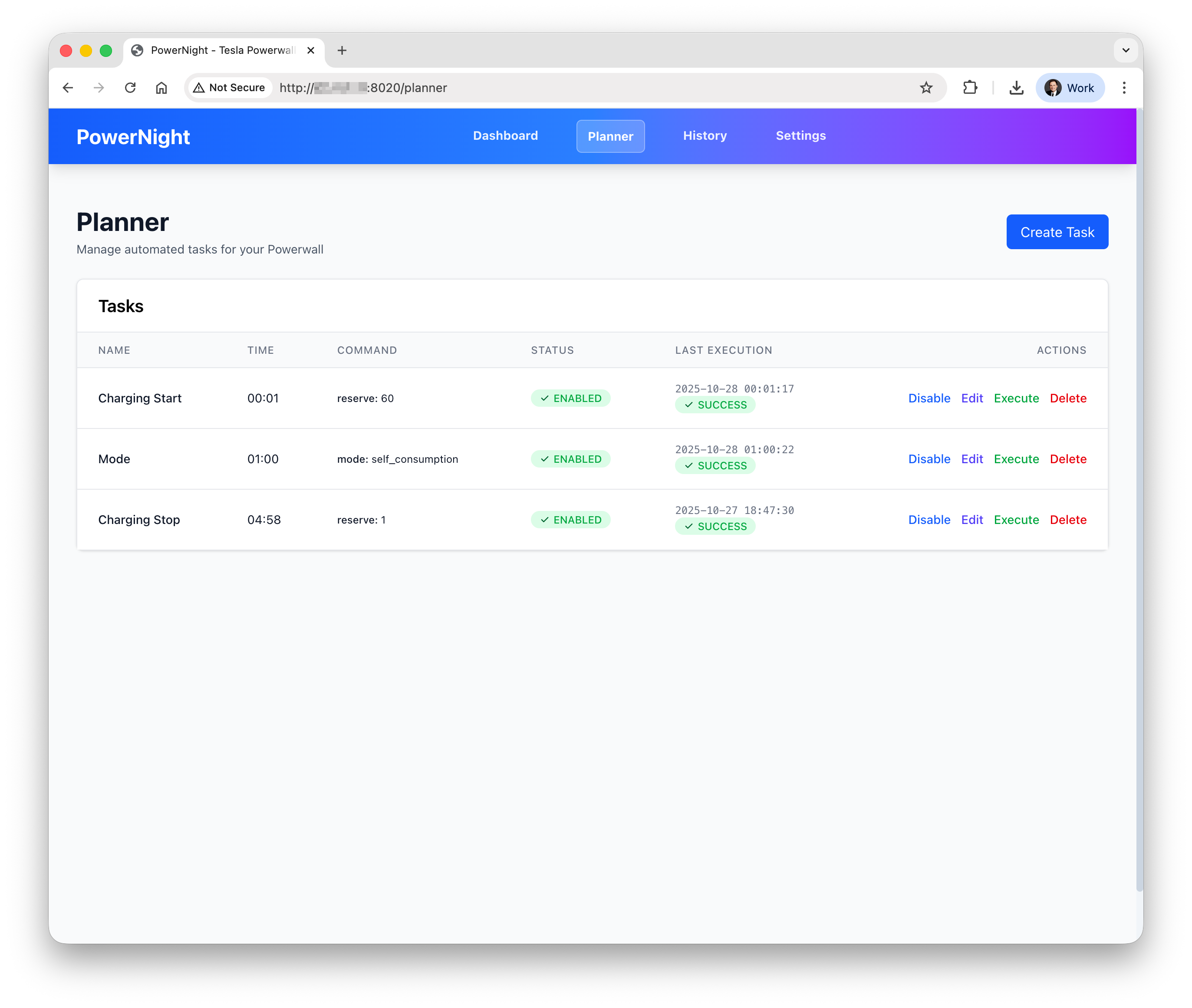
The product wraps that scheduling workflow in a local-first web interface: a dashboard, a planner, an execution history, and settings screens, all tailored to the Tesla Powerwall.
How It Works
The workflow is straightforward:
- Charge from the grid overnight when electricity is cheapest
- Use stored energy during higher-priced periods
- Manage everything from a browser on the local network
PowerNight is built for households that already think in terms of tariff windows, battery reserve, and daily energy arbitrage.
Quick Start
PowerNight runs as a Docker container. A basic setup takes three steps:
- Pull the image from Docker Hub
- Configure mounted volumes for persistent storage
- Open the web UI and connect your Tesla account
The README covers detailed setup including Synology NAS deployment and multi-architecture support.
Why Local-First
PowerNight runs on your local network by design. No cloud subscription, no API middleman, no data leaving your home. The trade-off is intentional: the README explicitly warns against exposing the web UI to the public internet.
Docker with SQLite gives you persistence without infrastructure. Deploy once, update by pulling a new image.
Interfaces
PowerNight combines four operational views:
- Dashboard: live battery level, power flow, and site state
- Planner: scheduled reserve changes for overnight charging
- History: execution results, logs, and recent activity
- Settings: Tesla authorization, site selection, and timezone
Install from Docker Hub or review the full setup guide. Contributions welcome on GitHub.
Highlights
-
Automatically charges your Powerwall when electricity is cheapest.
-
Connects to your Tesla account and gives you a dashboard on your local network.
-
See exactly what happened and what's happening. Full history and live status.
-
Runs as a Docker container with persistent storage. Deploy once, update easily.
Tech Stack
- Python
- React
- Docker
- SQLite
- Vite
Screenshots